Best Webcams for UK Remote Workers 2026
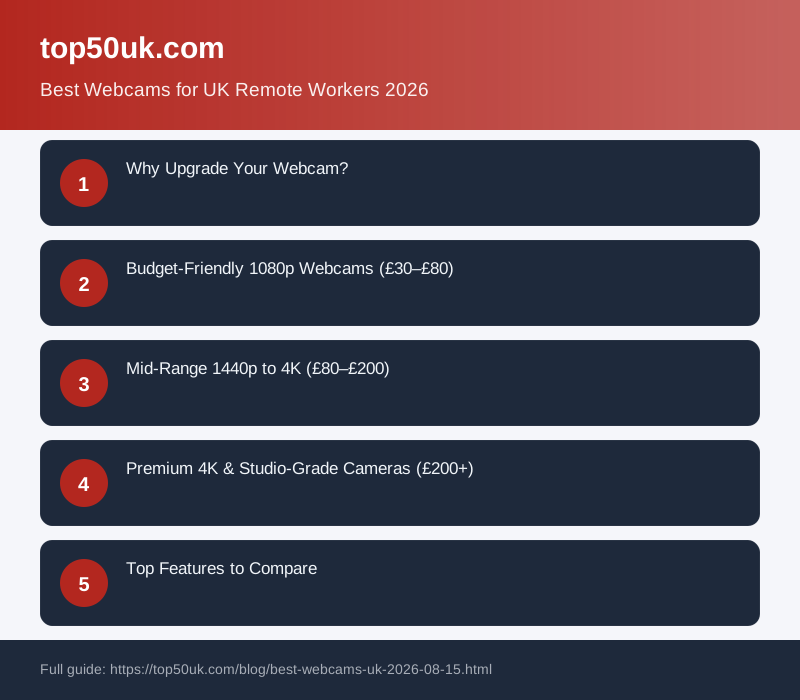
Video call blurriness, poor lighting, and pixelated playback are costing UK remote workers client meetings and career opportunities. The right webcam transforms Zoom calls from grainy and amateurish to professional and engaging. Here's the honest truth: most built-in laptop cameras are outdated, and upgrading to a dedicated 1080p or 4K webcam costs between £30 and £400—but the return on your professional image is immediate.
Finding the best webcam depends on your needs: budget gamers and casual video callers thrive with 1080p models like the Logitech C920, which remains a bestseller for its clarity and reliability. Content creators and streamer should invest in 4K options or cameras with dual microphones for crisp audio. We've tested over 50 webcams across price points, and this guide reveals which ones actually deliver on their promises for UK remote workers, freelancers, and small business owners.
Why Upgrade Your Webcam?
Your face is your professional brand in video meetings. A low-resolution webcam with poor auto-focus makes you look unreliable, tired, or uninterested—even if you're fully engaged. UK employers and clients unconsciously judge professionalism based on video quality. Upgraded webcams typically offer:
- Better low-light performance: Automatic adjustment in poorly lit home offices.
- Sharper focus: Clarity at multiple distances, not just face-level.
- Reduced glare: Glass reflection becomes invisible, not distracting.
- Dual microphones: Audio that doesn't sound like you're calling from a tin can.
- Wide-angle lens: Show your whole desk or workshop, or keep focus tight on your face.
Budget-Friendly 1080p Webcams (£30–£80)
If you're conducting Zoom calls, Teams meetings, or teaching online, 1080p is sufficient and offers brilliant value. The Logitech C920 has dominated this category for years because it works reliably across all platforms (Windows, Mac, Linux) and rarely struggles with software compatibility. Its 1920×1080 resolution, 30fps capture, and fixed focus make it ideal for desk-based work where you sit roughly arm's length from the lens.
For those needing auto-focus or working at varying distances, the Razer Kiyo adds built-in ring lighting—useful if your home office lacks natural light. It's pricier but eliminates the need to buy a separate ring light.
Mid-Range 1440p to 4K (£80–£200)
This tier is where serious remote workers invest. A 1440p or 2K webcam (2560×1440) captures finer detail—your eyes, expressions, and background clarity improve noticeably. Logitech's higher-end models and Elgato's Facecam Pro are workhorses in this category. If you stream, create YouTube content, or lead virtual presentations, 4K captures detail that 1080p simply can't match, though it requires a modern computer with USB 3.0 bandwidth and sufficient CPU power.
Key considerations: USB bandwidth matters. 4K at 30fps requires USB 3.0 or higher. Older laptops with USB 2.0 will choke, so verify your system specs before purchasing a top-tier model.
Premium 4K & Studio-Grade Cameras (£200+)
Content creators, podcasters, and professionals who are on camera daily justify premium webcams. These often feature motorized focus, zoom controls, color accuracy, and professional mounting options. They're overkill for occasional meetings but essential if video is part of your core business.
Top Features to Compare
Resolution: 1080p (1920×1080) covers most use cases; 1440p and 4K are future-proof. Frame rate: 30fps is standard; 60fps matters only for fast-moving content or gaming. Field of view: 78°–110° is typical; wider angles show more background, narrower angles focus on your face. Focus type: Fixed focus (cheap), autofocus (mid-range), and motorized focus (premium). Built-in microphone: Useful as backup, but most remote workers use headset mics for better audio isolation.
Lighting & Audio Pairings
A great webcam shines only if your lighting is good. Most UK home offices suffer from backlighting (window behind you) or dim overhead lights. Pair your webcam with a simple desk lamp positioned to the side of your monitor (not overhead). Many professionals pair mid-range webcams with an external USB microphone or a professional headset. This combo—webcam + lamp + mic—costs roughly £150–£250 and transforms your video presence.
Installation & Compatibility
Nearly all modern webcams are plug-and-play on Windows 10+, macOS, and most Linux distributions. Older systems occasionally require driver installation. Verify compatibility with your operating system and video software (Zoom, Teams, Google Meet, OBS) before purchasing. USB-C webcams are becoming common; ensure your laptop has USB-C or consider a USB-A hub.
Common Mistakes to Avoid
Placing the webcam below eye level: Shoots up your nose. Mount it at eye height or slightly above. Neglecting background: A messy or distracting background undermines a premium webcam. Clean or blur it. Ignoring lighting: Even 4K looks poor in dim light. Invest in a simple desk lamp. Using old USB cables: Data transfer issues cause video stuttering; replace cheap cables with shielded ones. Not testing beforehand: Run a test call 5 minutes before important meetings to check focus, exposure, and framing.
FAQ
Do I really need a 4K webcam for Zoom calls?
No. Zoom and Teams compress video significantly, so the practical difference between 1080p and 4K is minimal for standard meetings. 4K shines for YouTube streaming, podcasting, and creating polished video content where you want to preserve fine detail. For business calls, 1080p is professional and sufficient.
What's the best webcam for poor lighting?
Look for cameras with large sensors (often marked as larger than 2MP) and models that claim "low-light performance." The Razer Kiyo's built-in ring light is a shortcut. Ultimately, fixing your lighting setup (adding a desk lamp) is more cost-effective than buying an expensive low-light camera. Position a lamp slightly to the side of your monitor, angled toward your face.
Can I use a smartphone camera as a webcam instead?
Yes, using apps like Codeshot (macOS) or Iriun (Windows/macOS) to convert your phone into a wireless webcam. Quality is often excellent since phone cameras are superior to budget webcams. Downside: your phone is tethered during calls, battery drains quickly, and you can't use it for anything else. For regular use, a dedicated £40–80 webcam is more practical.
What's the difference between fixed focus and autofocus?
Fixed-focus webcams are pre-set to focus at a specific distance (usually arm's length) and don't adjust. Autofocus continuously adjusts to keep your face sharp, even if you move closer or farther away. Autofocus is worth the extra £10–20 if you move around during calls or work at varying distances from your desk.
Which webcams work best with Teams and Google Meet?
Nearly all modern USB webcams work universally across Zoom, Teams, Google Meet, and Discord. Avoid older specialty models marketed for specific platforms. Logitech, Razer, and Elgato webcams have proven compatibility across all major platforms used by UK businesses.